Church Information System
One app for your church's whole ministry
Announcements, sermon recordings, daily devotionals, prayer requests, service attendance, and giving — all in one app carrying your church name and colours.
- 8
- ready-made modules
- 2
- platforms: Android & iOS
- 1
- app, carrying your church identity
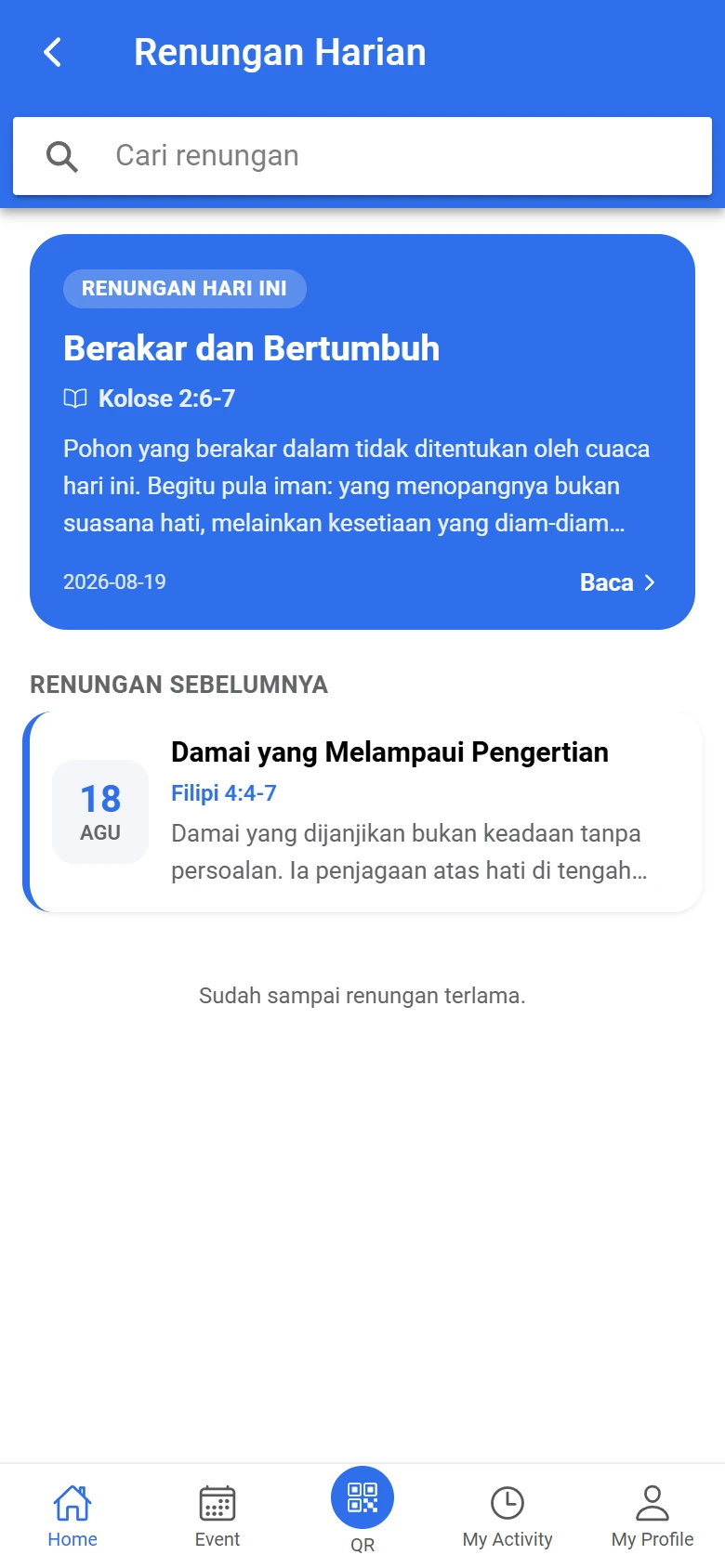
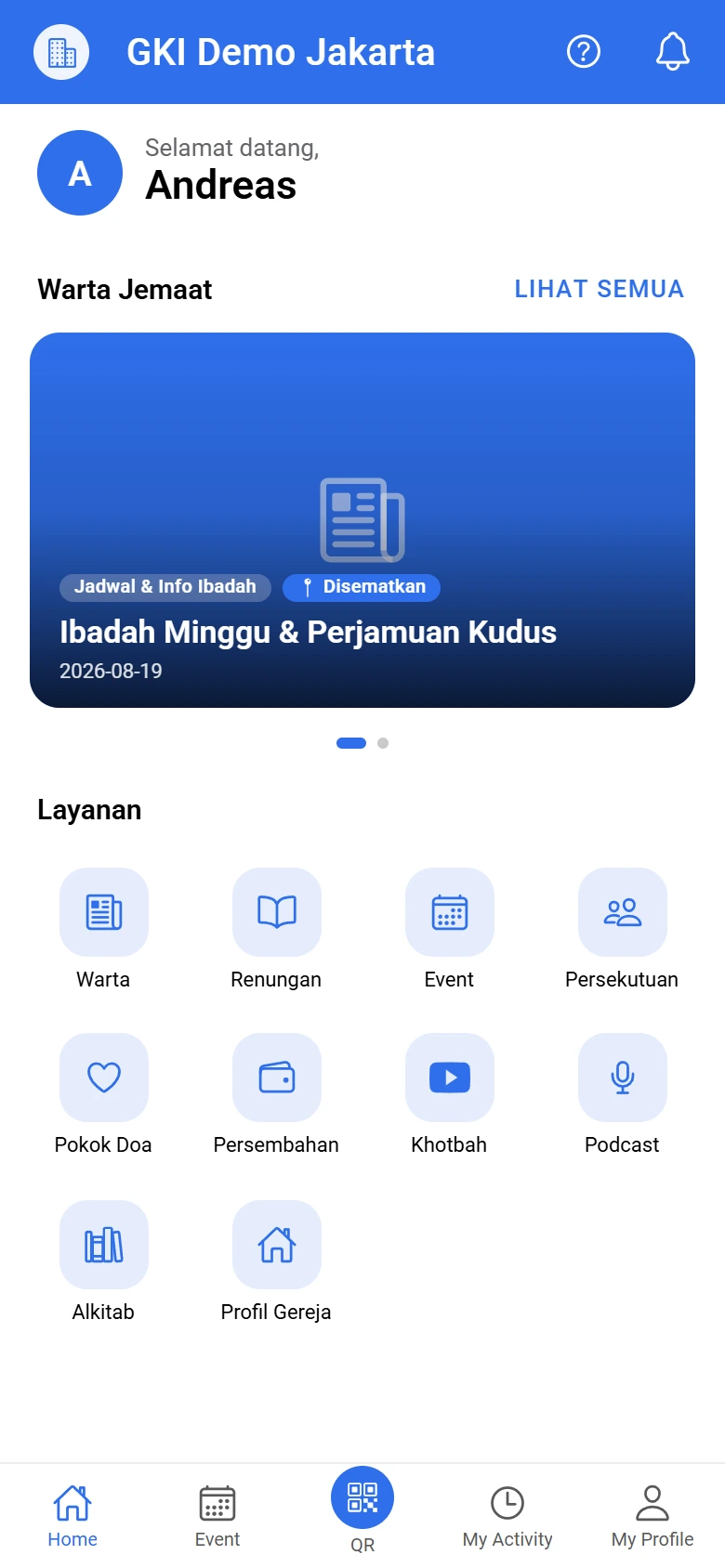
Screenshots of the member app — the name, logo, and colours follow your church.
Why CIS
Ministry scattered across many places is exhausting
Announcements in WhatsApp groups, sermons on YouTube, member records in a spreadsheet, giving in the treasurer's notebook. CIS brings it all into one place the church itself holds.
Church office
Stop retyping the bulletin into one group after another. Publish once, and every member receives it.
Board and treasurer
Attendance and giving summaries are ready before the meeting, not assembled the night before.
Pastor and prayer team
Prayer requests arrive directly, including those meant for the pastor alone.
Members
Announcements, sermons, devotionals, and giving in one app — nothing to hunt for in several places.
Features
Eight modules, one app
Every module is active from day one. Your church can switch off the ones it does not need yet.
Announcements
The weekly bulletin reaches every member without being printed.
Sermon Recordings
Your sermon videos, gathered from the church YouTube channel.
Podcast
Audio recordings to listen to while doing something else.
Daily Devotionals
A reading for every day, ready for your members each morning.
Prayer Requests
Members' prayer requests reach the pastor and the prayer team.
Giving
Offerings and tithes recorded properly, without a separate ledger.
Service Attendance
Attendance recorded by scanning a QR code at the door.
Member Records
Member data in one place, kept current by the members themselves.
How it works
Ready to use this week
No server of your own, no IT team. Your church prepares the details and the content; we handle the rest.
See the full steps-
01
Register your church
Send us your church details through the contact page. We create the admin account along with the church code your members use to sign in.
-
02
Set your identity
Upload your logo, choose your colours, fill in the address, service times, and the bank account and QRIS code for giving. The app immediately carries your church identity.
-
03
Invite your members
Share the church code in the bulletin or a WhatsApp group. Members download the app, choose your church, then register with an email address or phone number.
Ready to bring your church into one app?
Tell us what your church needs. We will help set up the church code, the app identity, and support through your first week.